Skip to content
Genlixs
Create

AI image, edit & short-video studio

Turn your ideas into images and videos.

Create images, edit a reference, or generate a short video in one workspace. You see the exact credit cost before anything runs.
  • Describe itWrite a prompt or drop in a reference image.
  • GenerateImages, edits and short clips in one workspace.
  • Keep the originalDownload the file with its prompt and settings.

Start here

What will you make today?

Pick a tool, describe it, and take your draft straight into the studio.

0/1000

No credits are used here. The exact cost is shown in the studio before you generate. Your draft is saved in this browser.

Prompt ideas:

Curated examples

See more examples
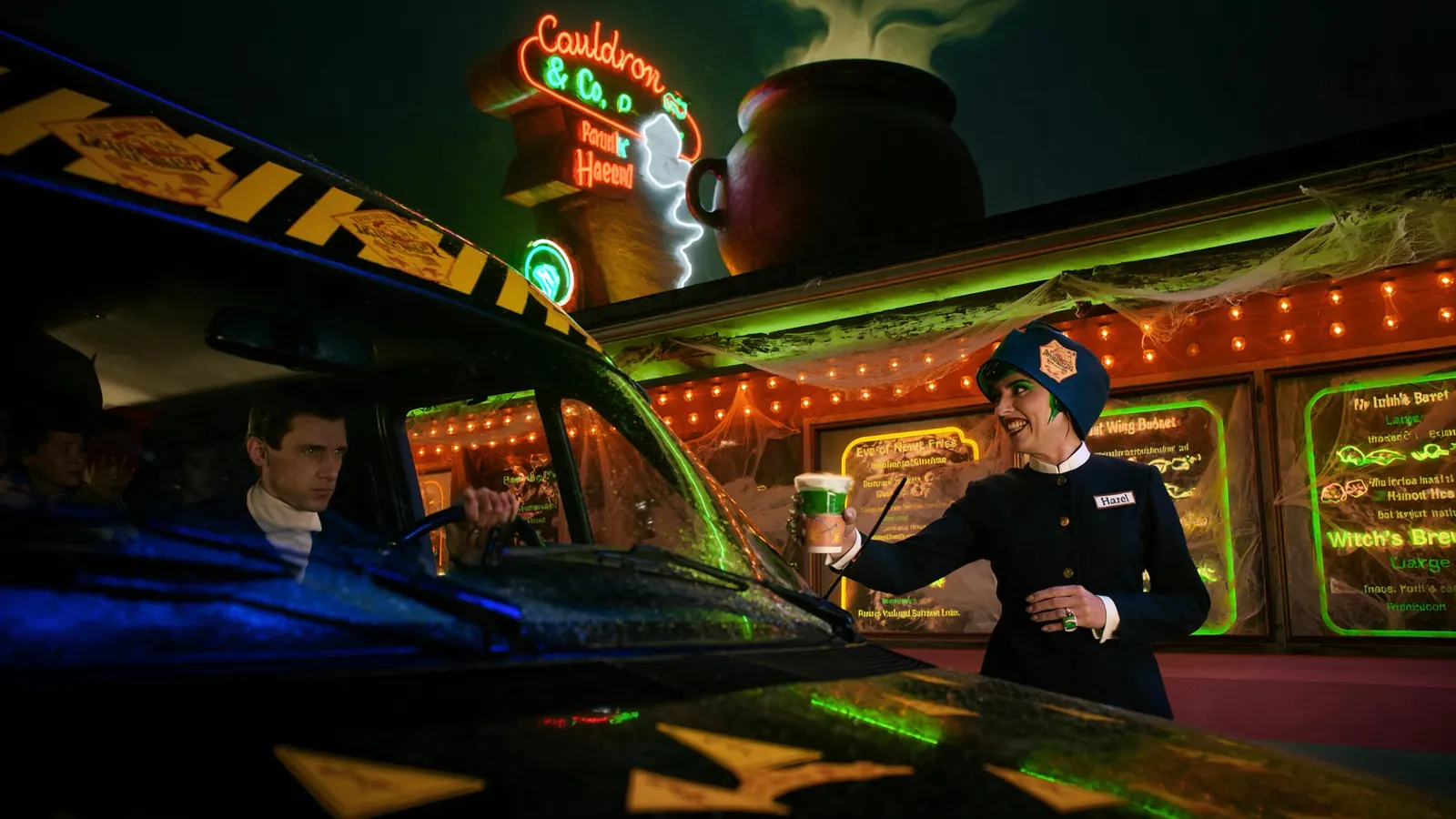
A witch-themed drive-thru at night under a neon cauldron sign; a server in a navy uniform hands a green drink to a driver

Neon drive-thru at night

Image · Standard image · 16:9

Featured examples

Start from work that already looks right.

Every example keeps the prompt idea and settings behind it, so “Use prompt” loads the whole recipe into your draft.

Open the image studio
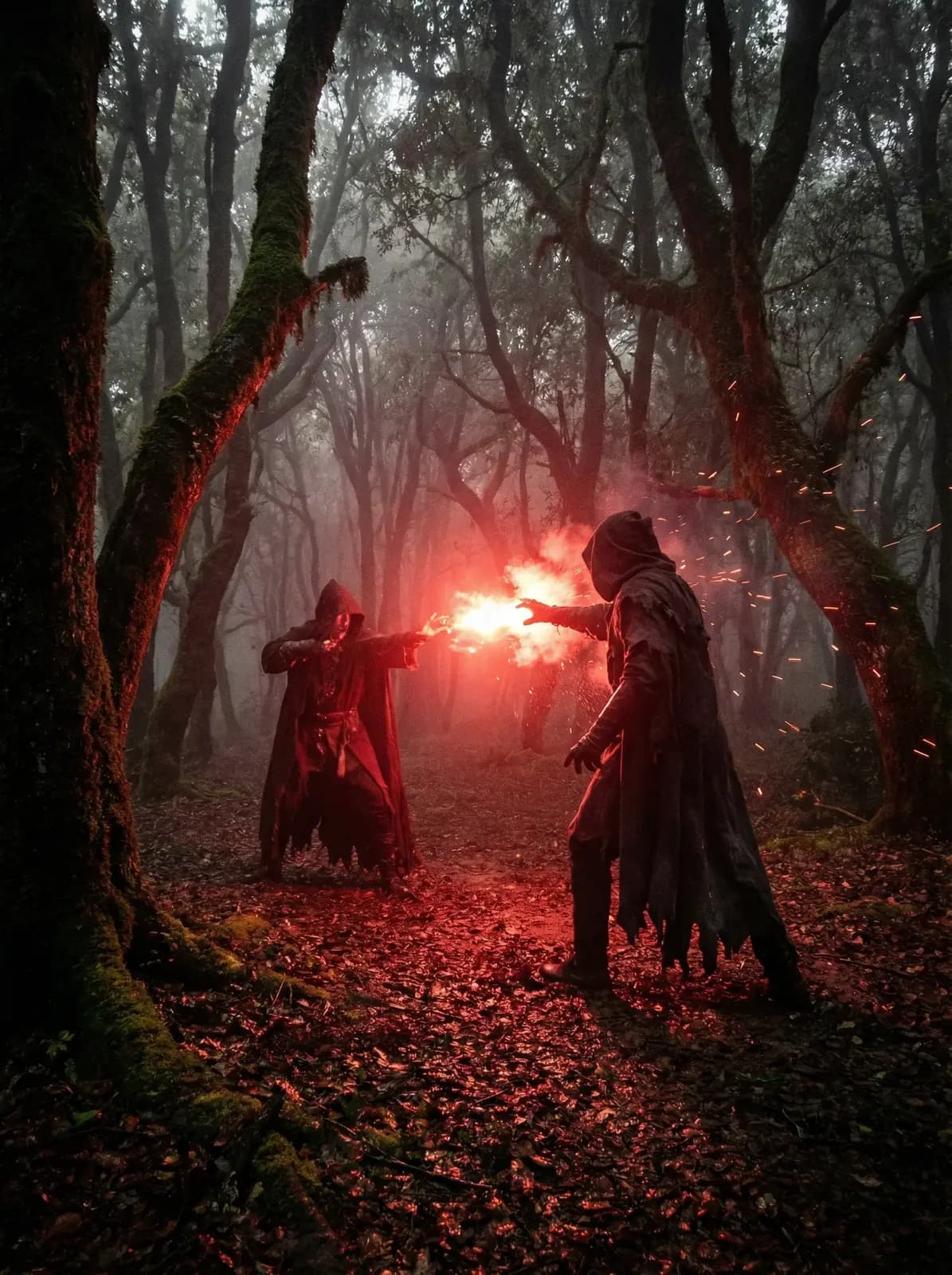
Two hooded figures face each other in a misty forest at dusk, one holding a burning red flare

Red flare in a misty forest

Image · High-detail image · 4:5

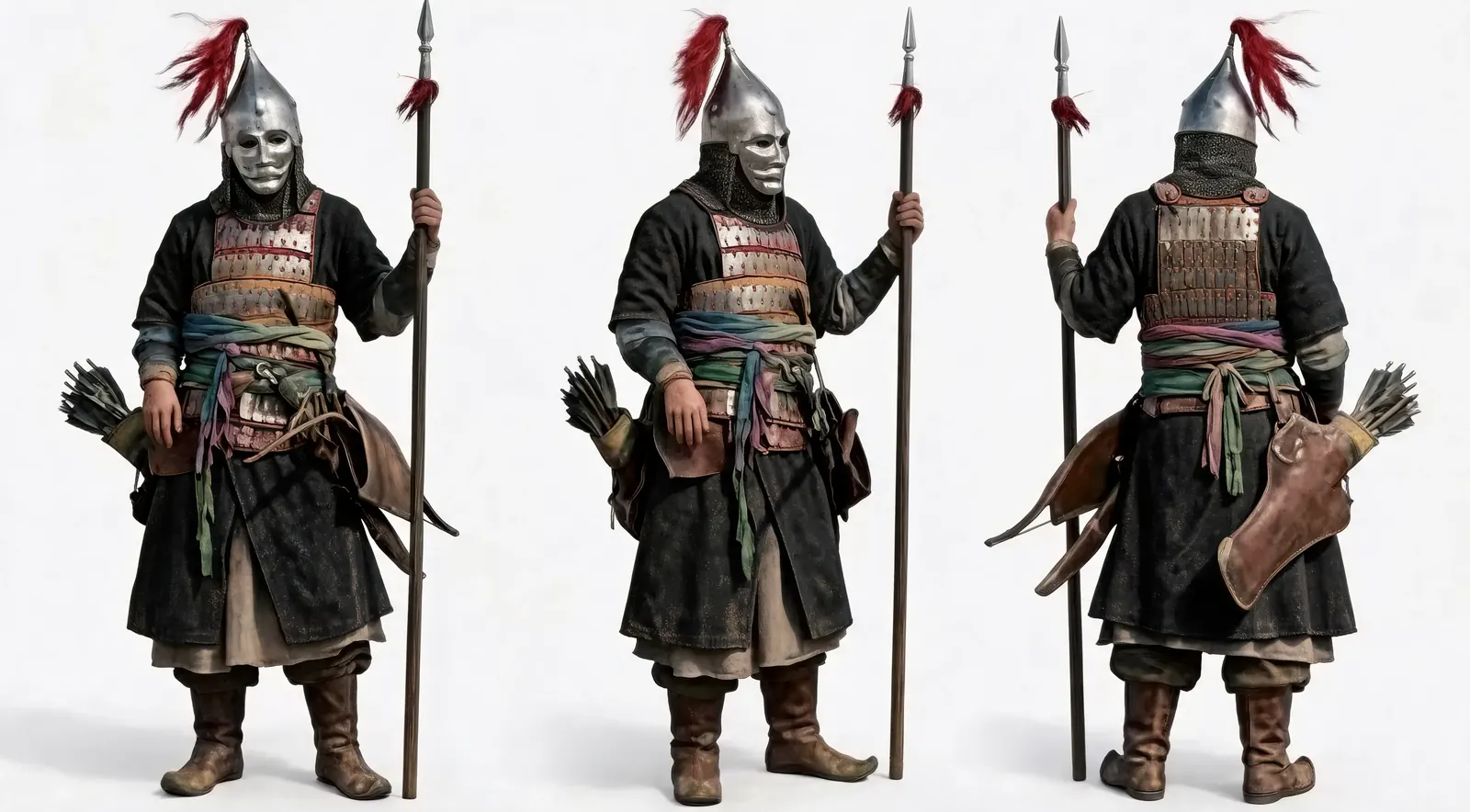
Character sheet of an armoured warrior with a spear and quiver, shown from the front, side and back

Character sheet, three views

Image · Standard image · 16:9

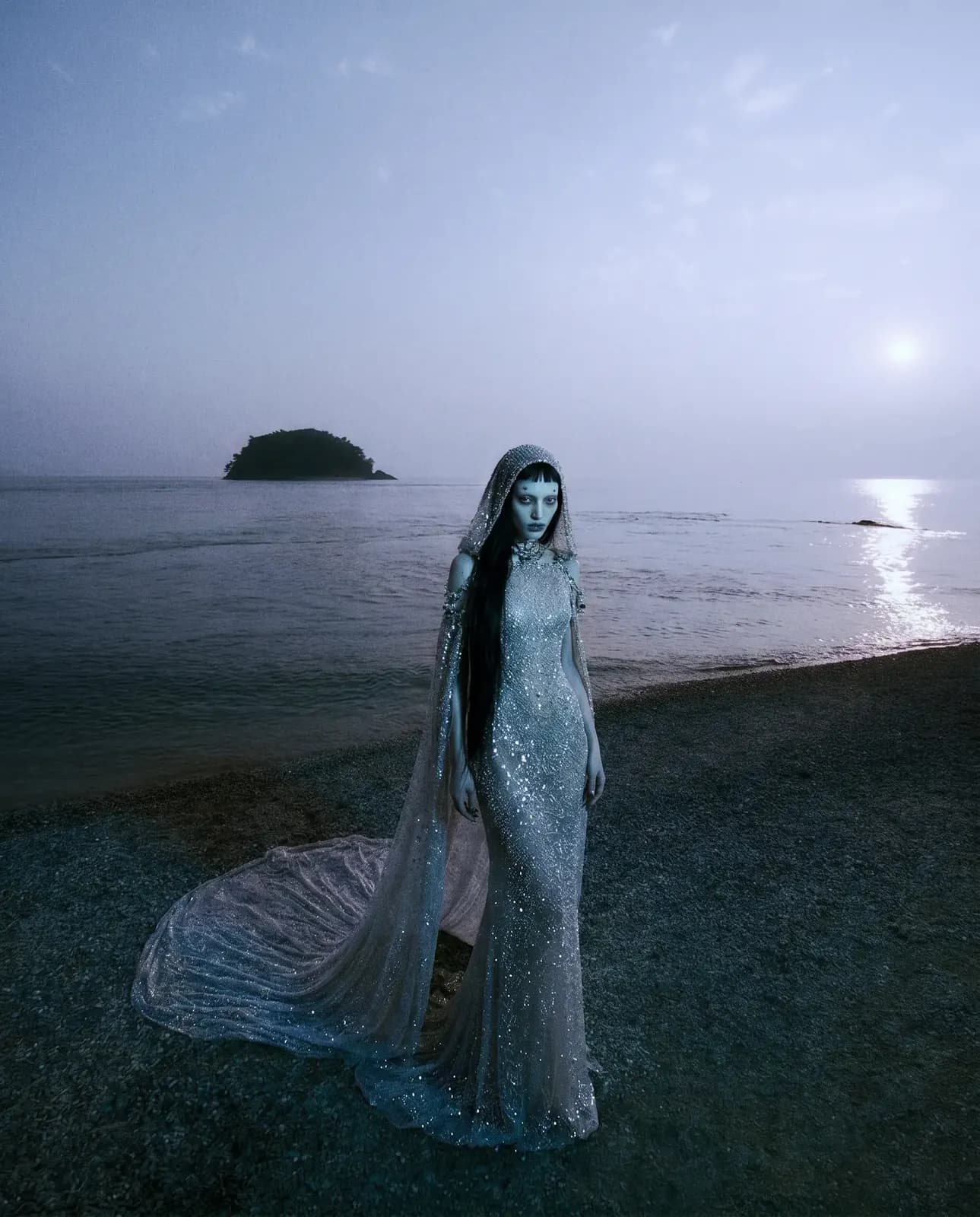
A woman in a silver sequin gown with a long train stands on a dark beach at blue hour, an island on the horizon

Sequin gown at blue hour

Image · High-detail image · 4:5

A witch-themed drive-thru at night under a neon cauldron sign; a server in a navy uniform hands a green drink to a driver

Neon drive-thru at night

Image · Standard image · 16:9

Pup knight in the fog

Video · Short video · 16:9 · 10s

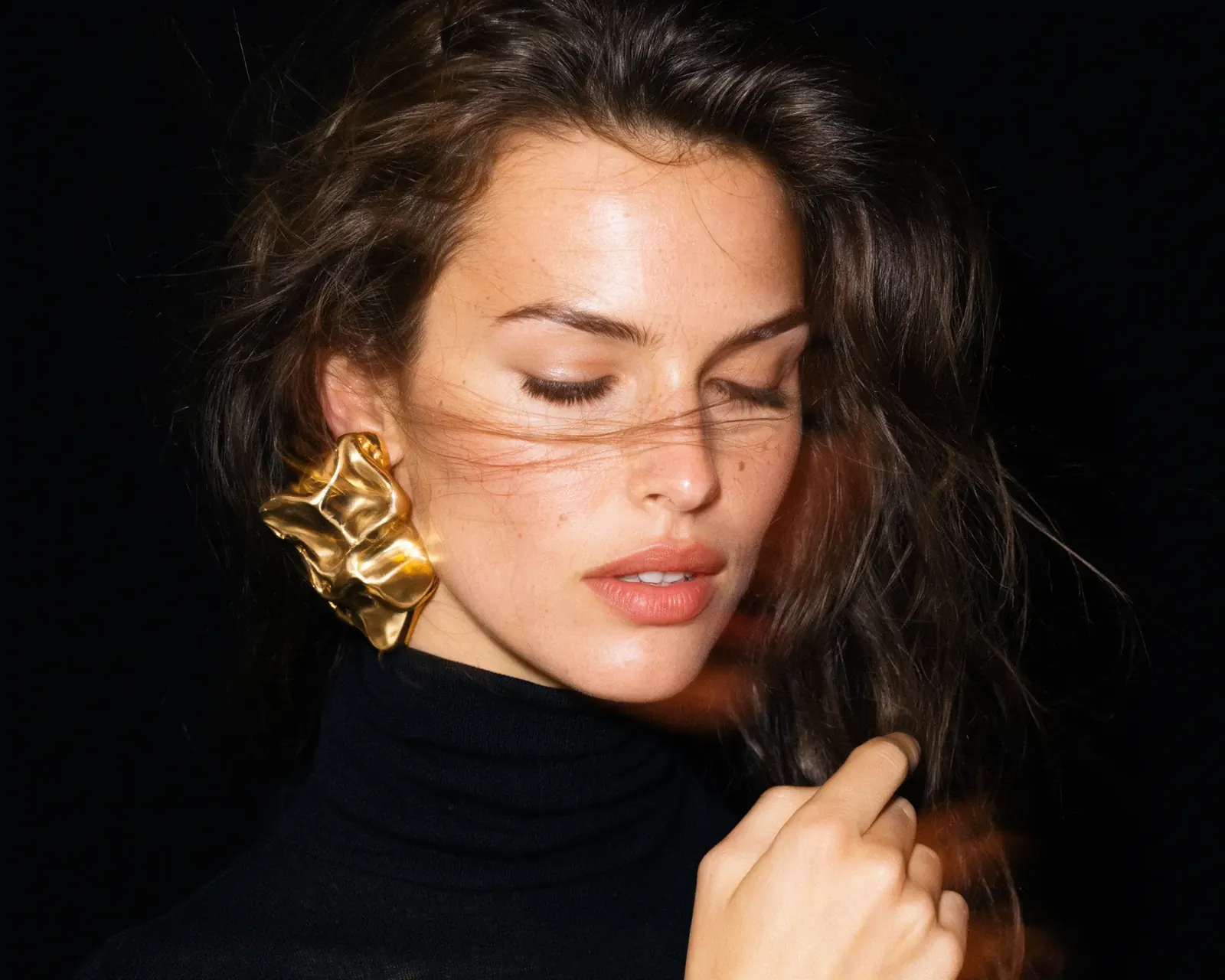
Close-up of a woman with tousled dark hair wearing a sculptural gold earring and a black turtleneck

Gold earring close-up

Image · High-detail image · 3:2

Giant astronaut in Midtown

Video · Short video · 9:16 · 10s

Original: The same dune landscape at midday, with pale sand and a clear blue sky
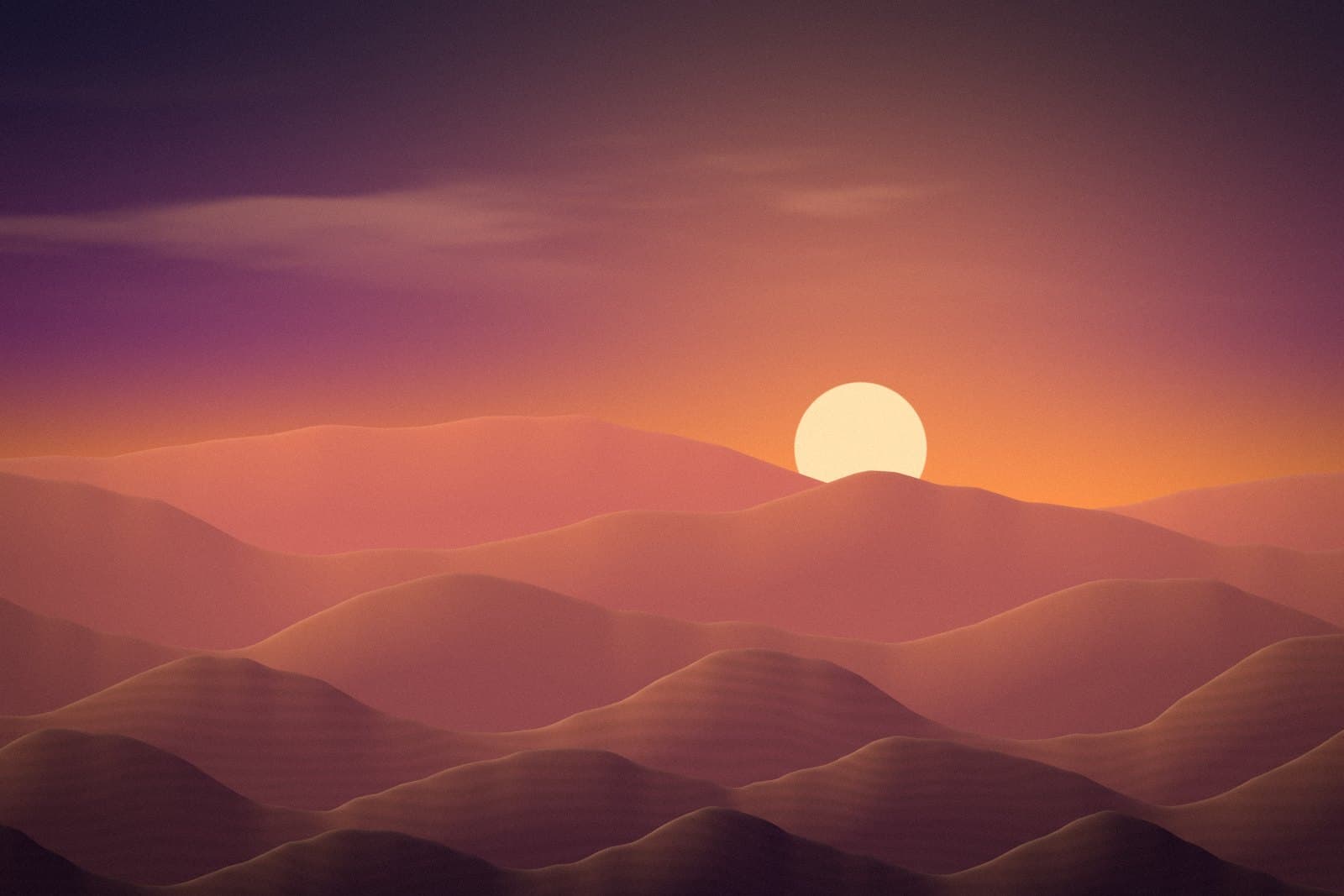
Edited: Layered sand dunes under a violet-to-orange dusk sky with a low, pale sun
OriginalEditedPlaceholder

Midday reference → dusk

Edit image · Reference edit

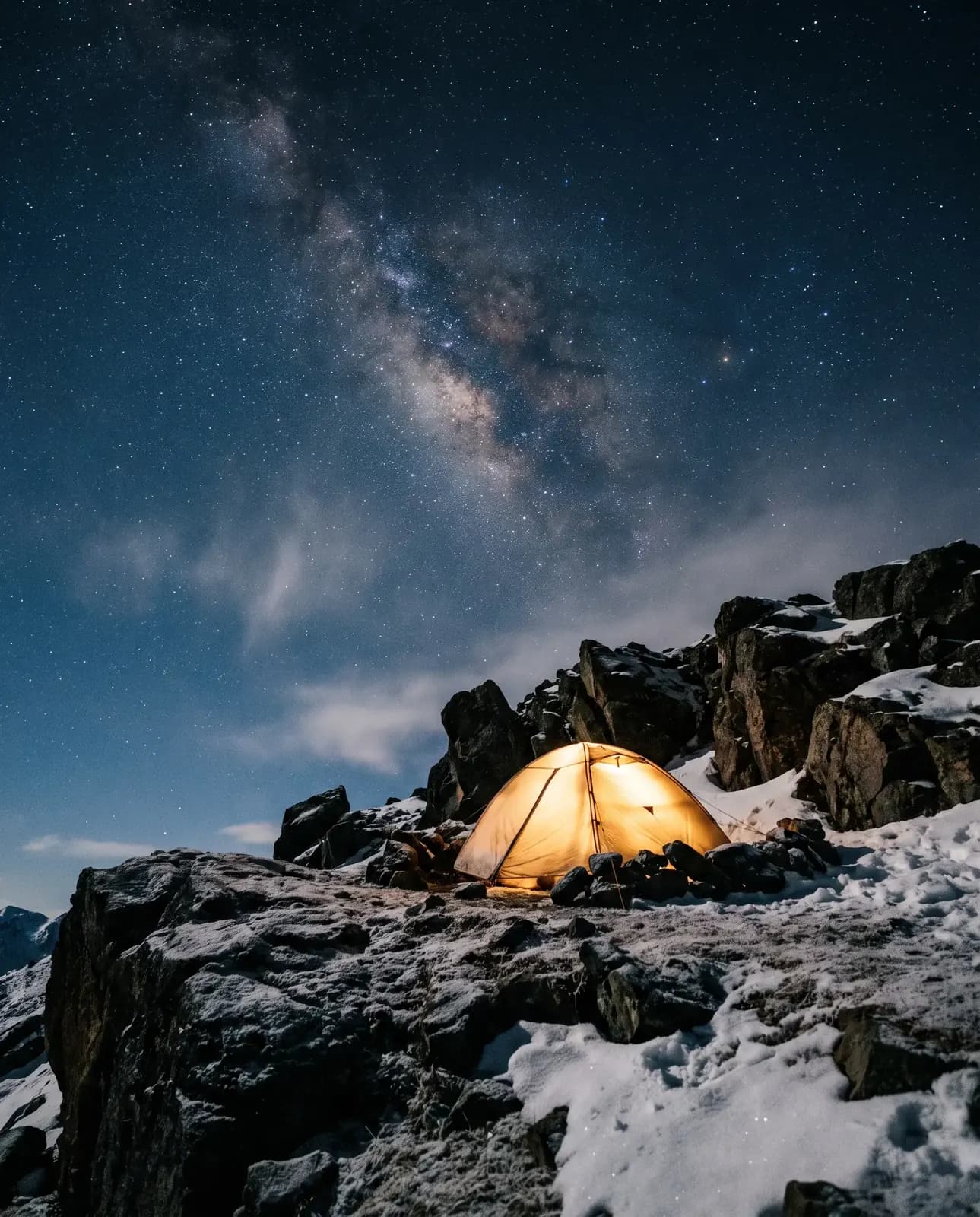
A glowing tent pitched on frosty rocks beneath the Milky Way

Tent under the Milky Way

Image · High-detail image · 4:5

Images and clips are supplied by Genlixs for this preview. Prompts and settings are written to match them; they are not the recorded prompt of each file. Items marked “Placeholder” are temporary.

Showcase

Stills and clips, all in motion.

Clips play silently as you scroll. Click or tap one to hear it; only one clip plays sound at a time.

  • Clip, 0:10
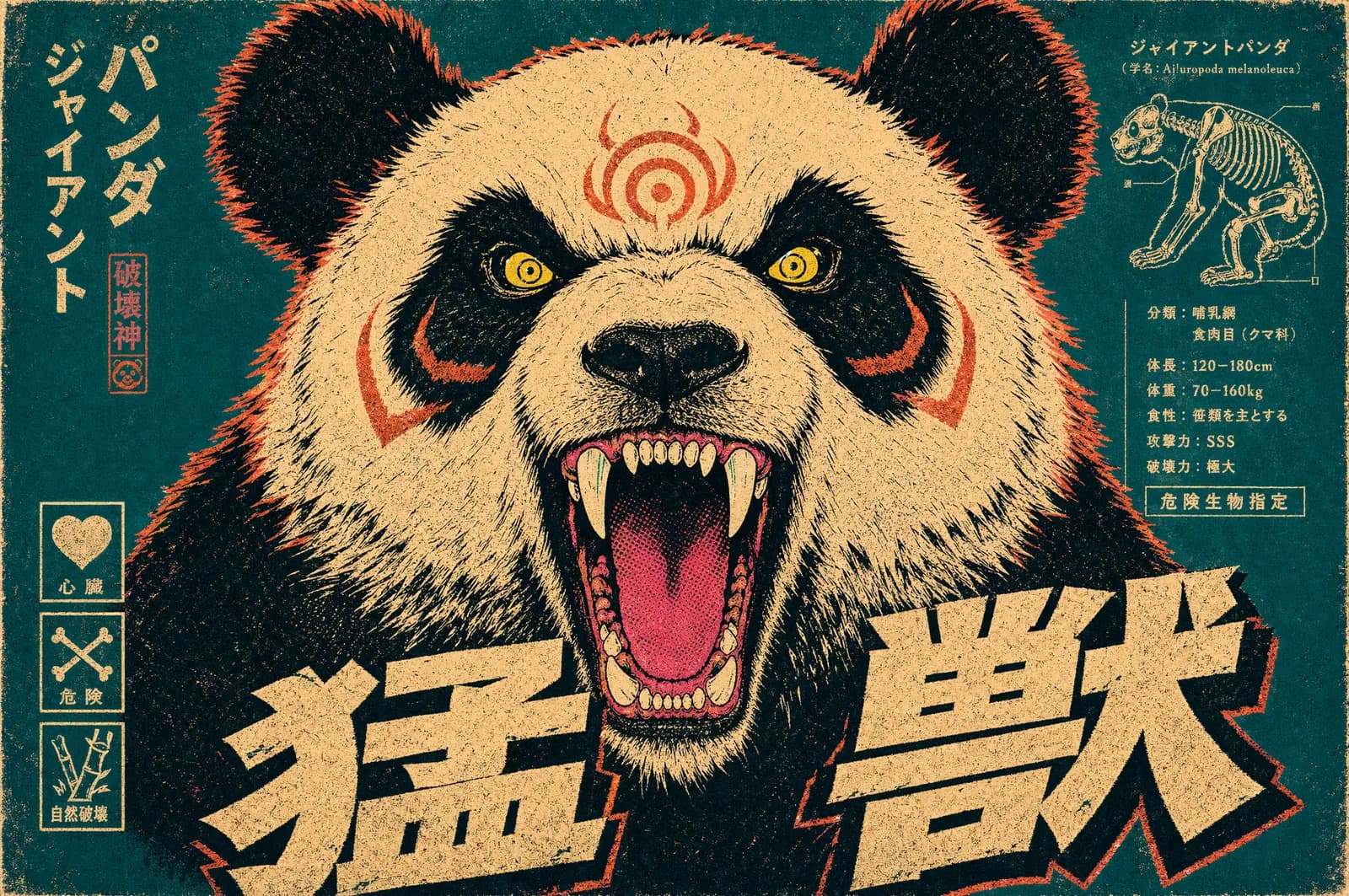
  • Vintage Japanese-style poster of a roaring giant panda in cream, teal and red with bold kanji lettering
  • A woman in a silver sequin gown with a long train stands on a dark beach at blue hour, an island on the horizon
  • Clip, 0:20
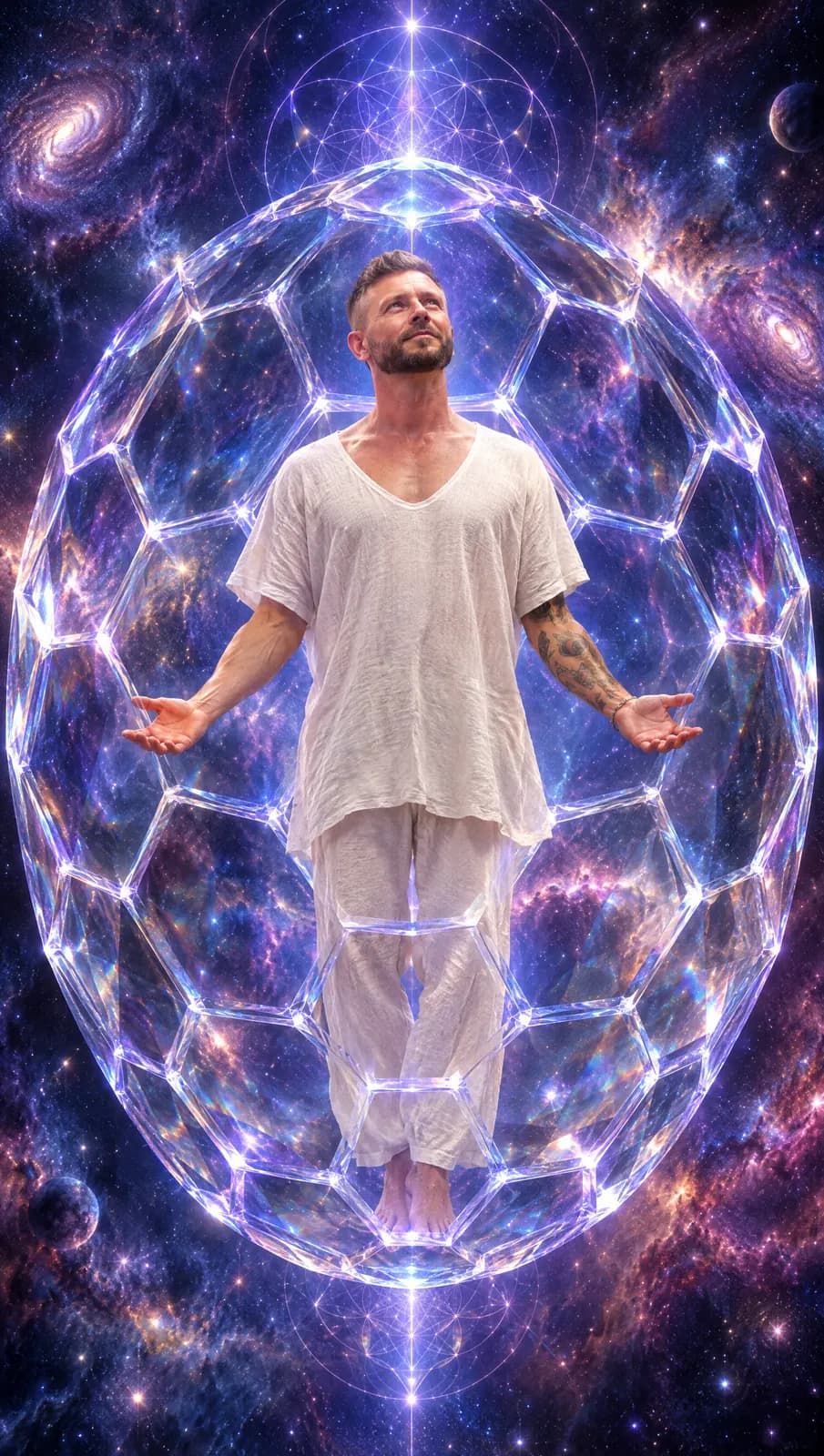
  • A man in white linen floats with open arms inside a glowing geodesic sphere among galaxies
  • A witch-themed drive-thru at night under a neon cauldron sign; a server in a navy uniform hands a green drink to a driver
  • Clip, 0:14
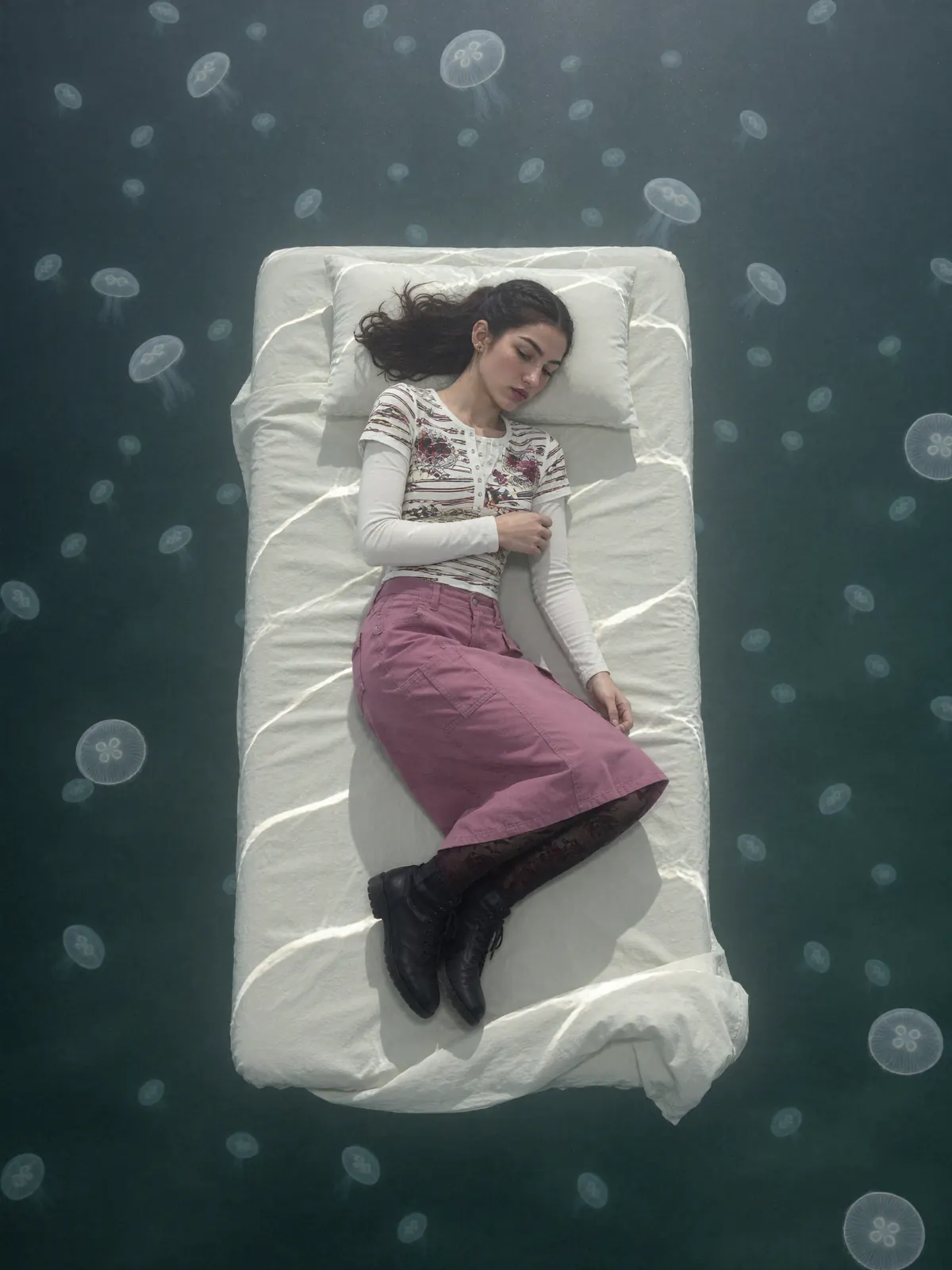
  • Top-down shot of a woman asleep on a white mattress floating among jellyfish in dark water
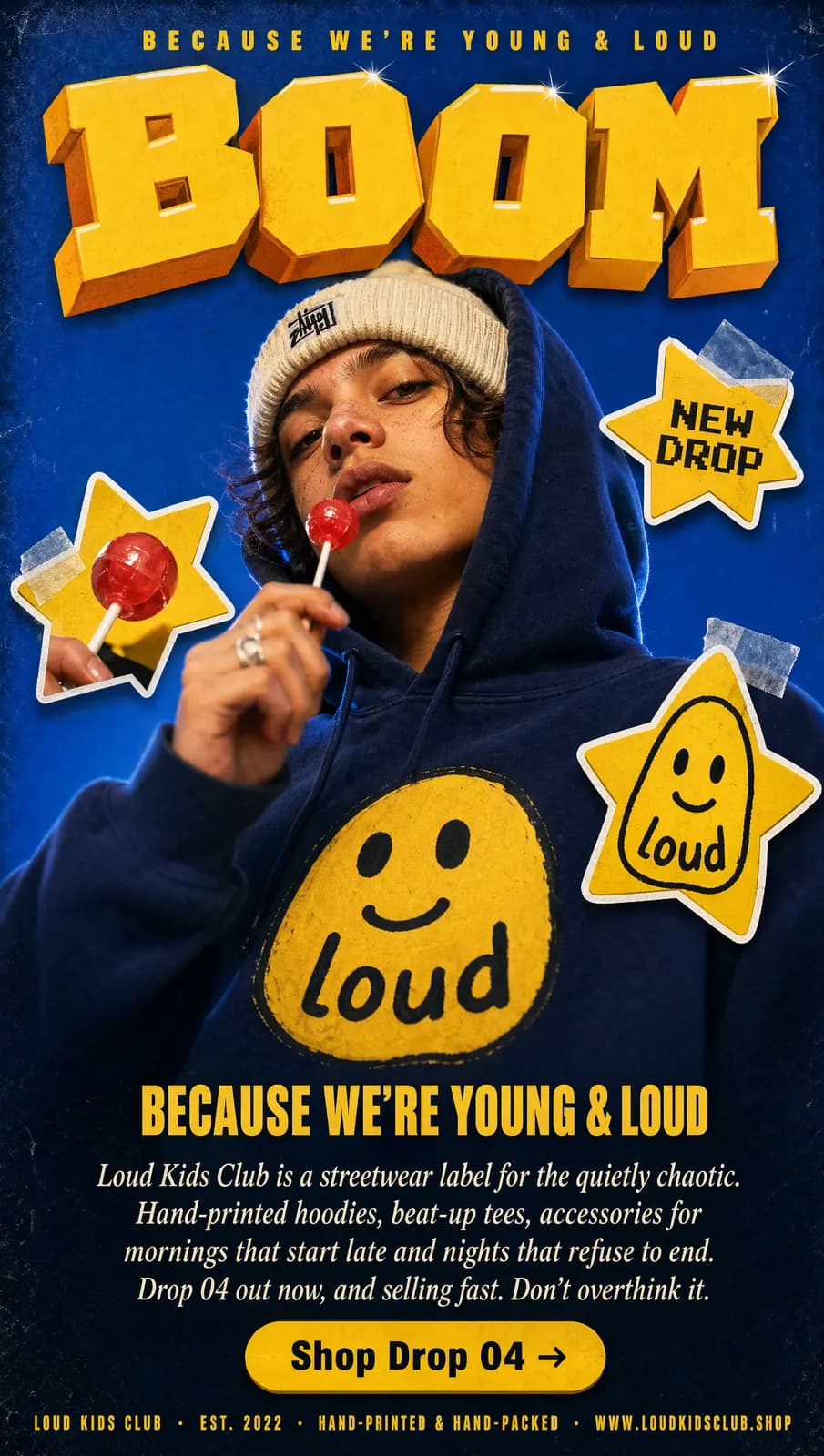
  • Streetwear drop poster: a teen in a navy smiley hoodie holds a lollipop beneath bold yellow “BOOM” lettering
  • Clip, 0:15
  • Two hooded figures face each other in a misty forest at dusk, one holding a burning red flare
  • Clip, 0:11
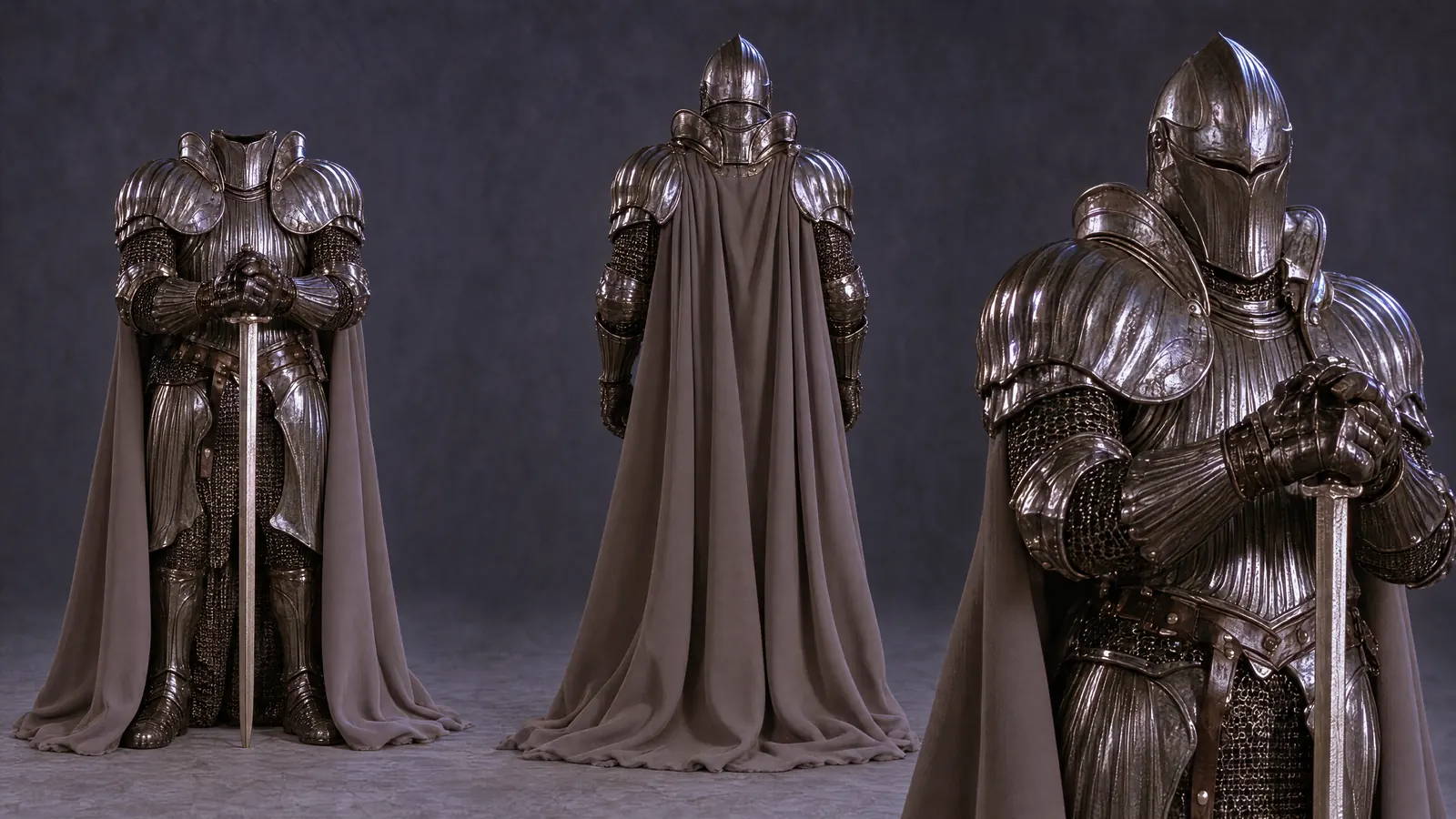
  • Character sheet of a knight in dark plate armour and a long cape, shown from the front, back and three-quarter view
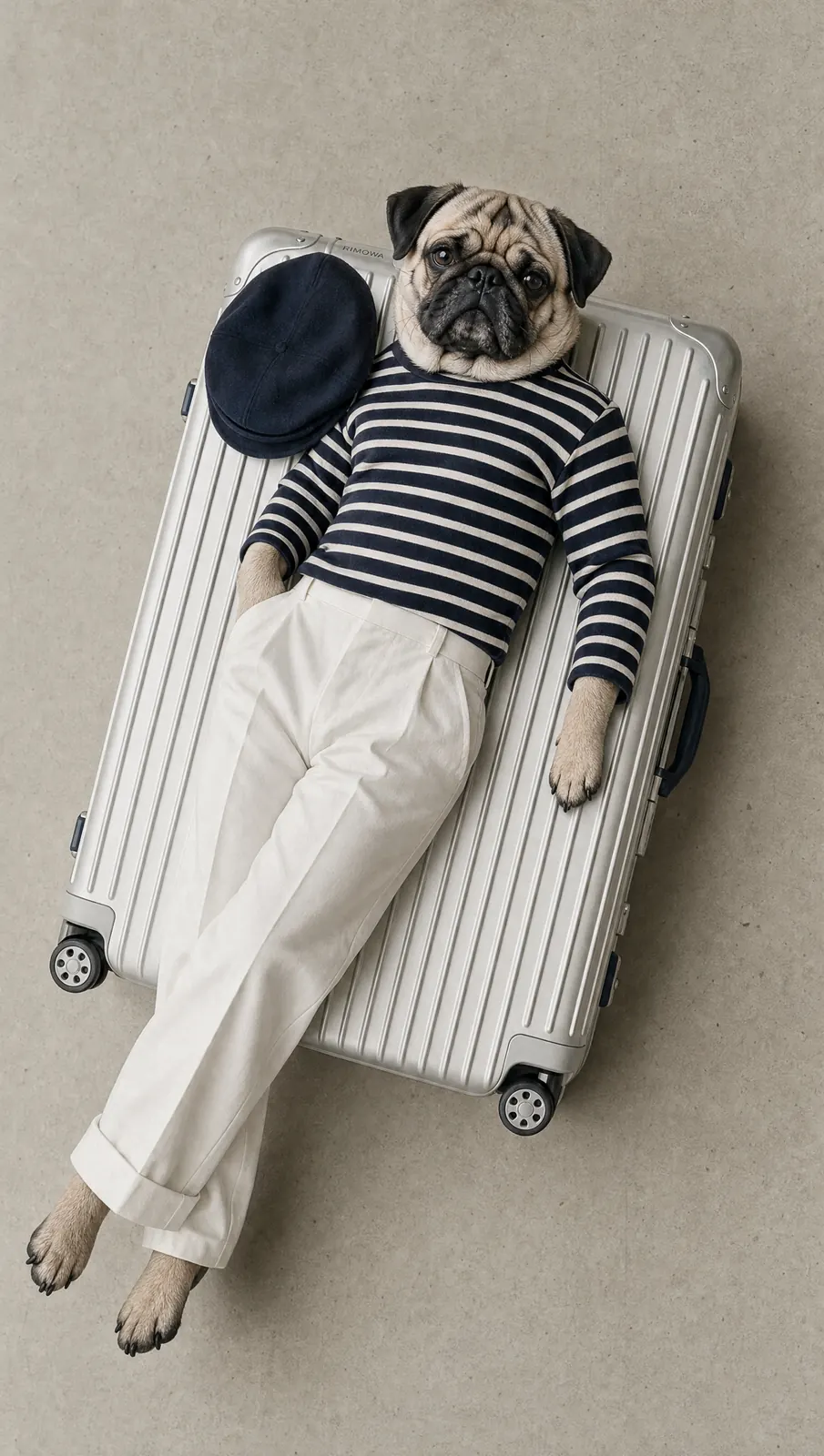
  • A pug dressed in a striped top and white trousers lies on a silver suitcase, a beret beside it
  • Clip, 0:12
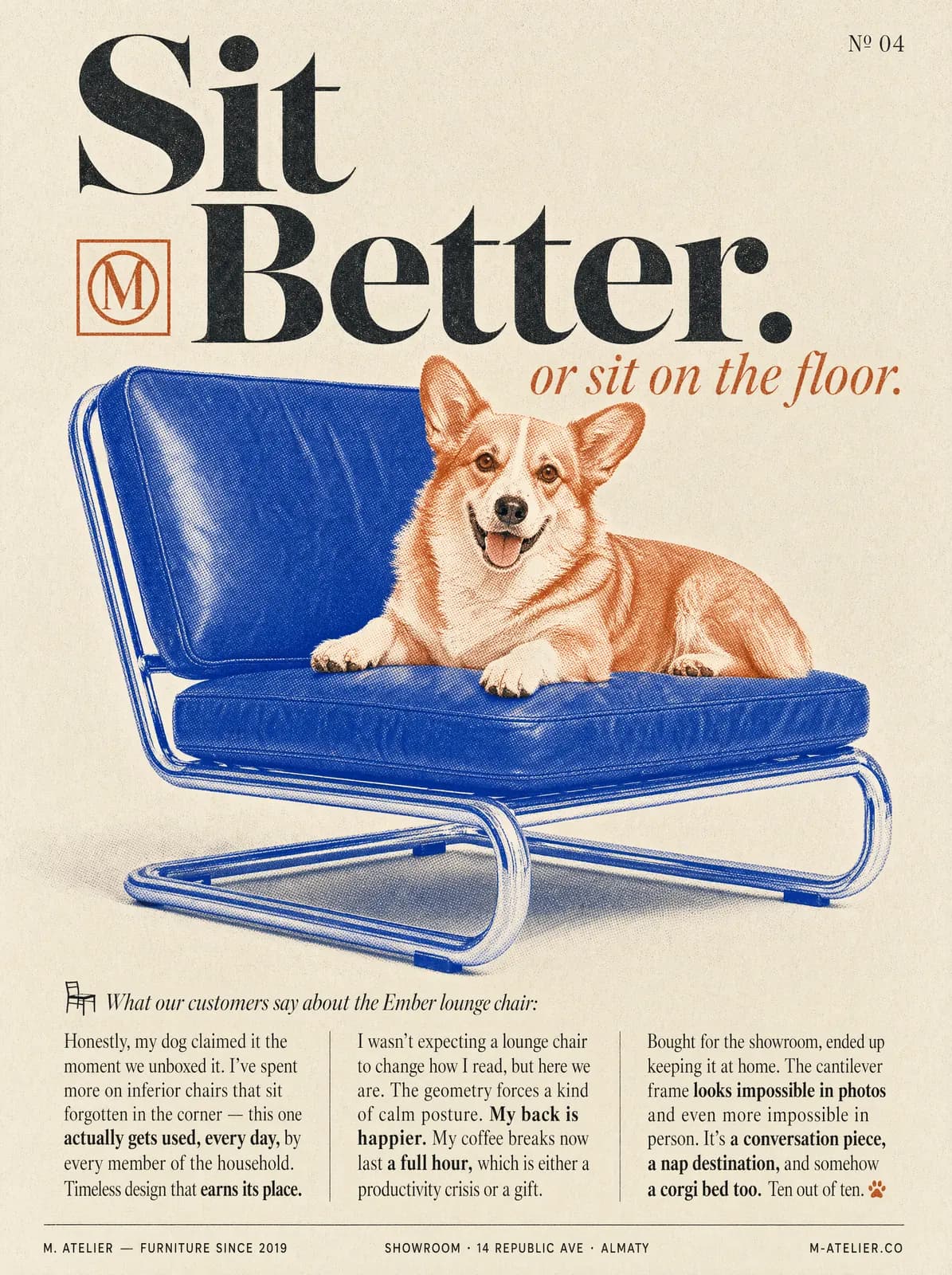
  • Editorial furniture ad: a corgi lounges on a blue leather chair under the headline “Sit Better.”
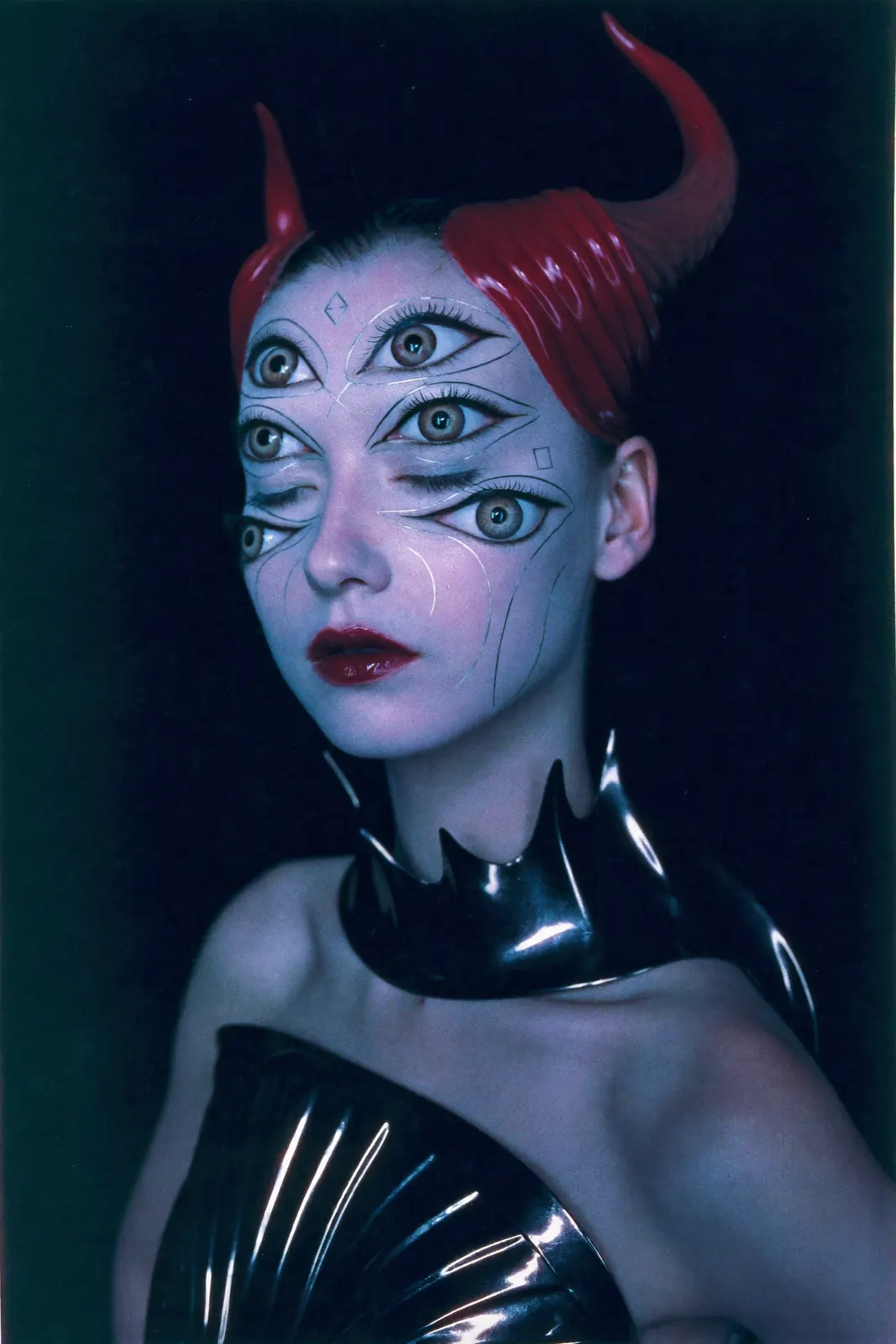
  • Studio portrait of a pale character with four green eyes, red horns and a glossy black collar on deep blue
  • Clip, 0:13
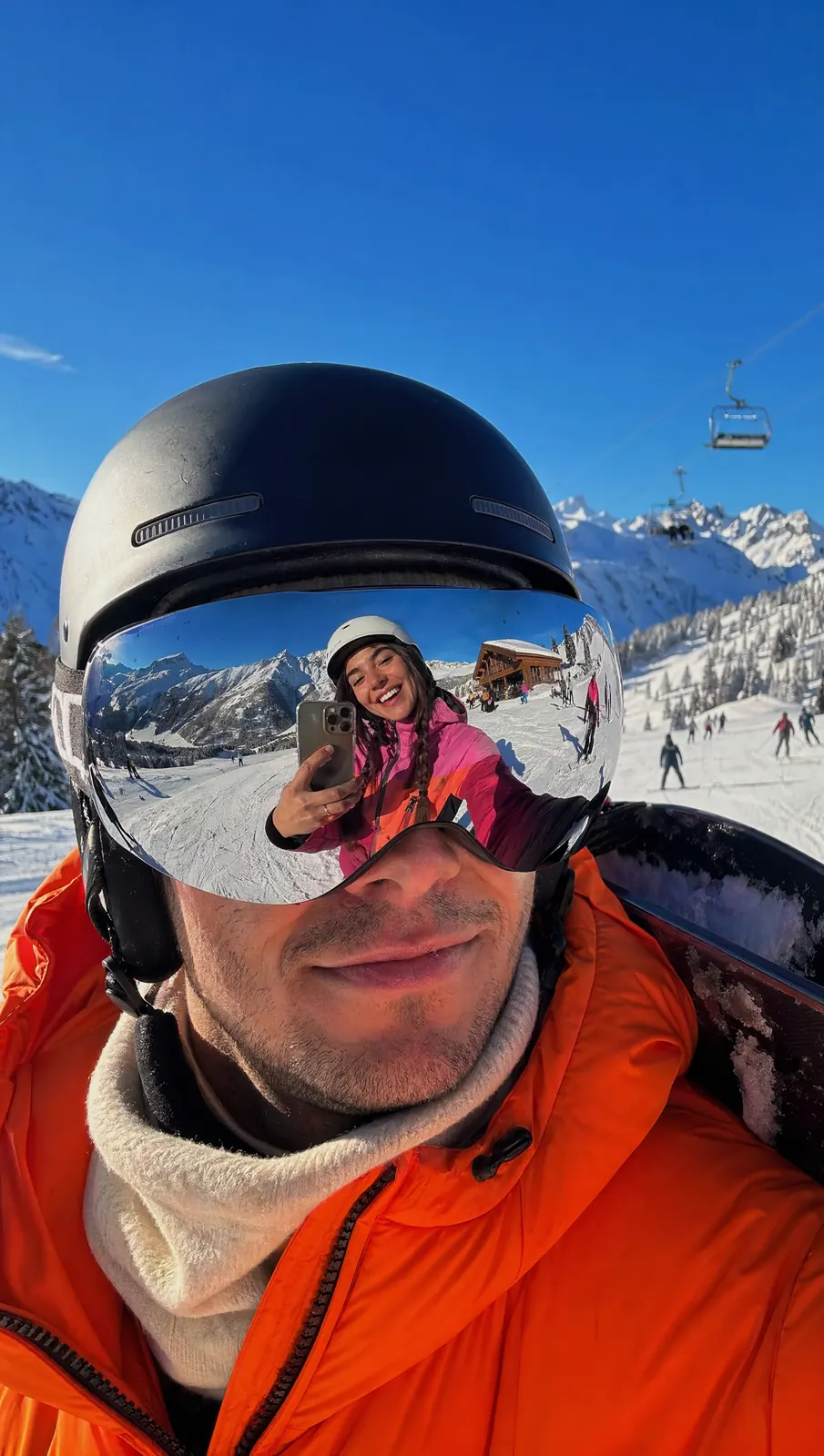
  • A skier in an orange jacket smiles under a black helmet; his mirrored goggles reflect a woman taking a selfie on the slopes
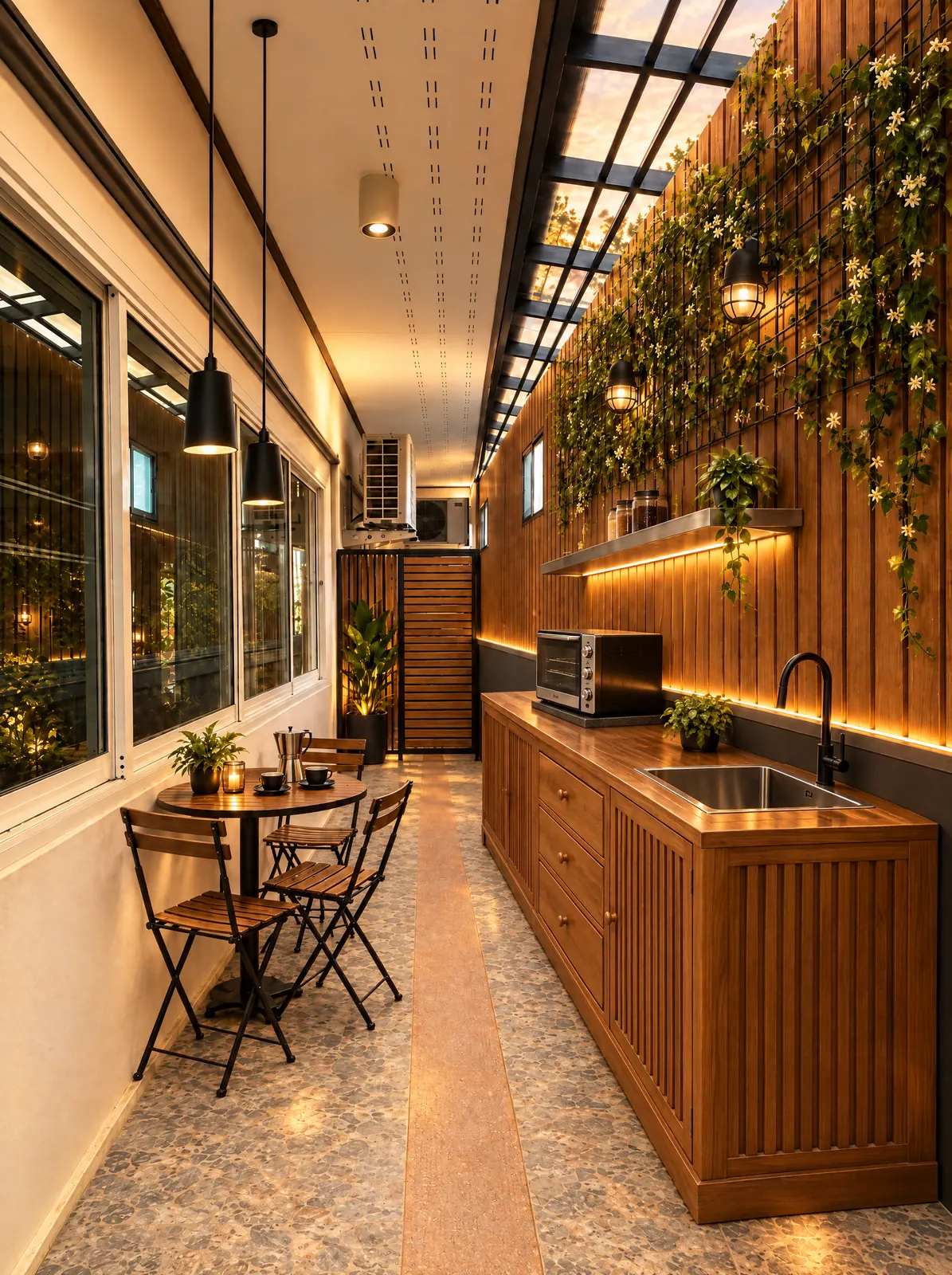
  • A narrow, warmly lit café with wood panelling, hanging plants and a small bistro table by the window
  • Clip, 0:15
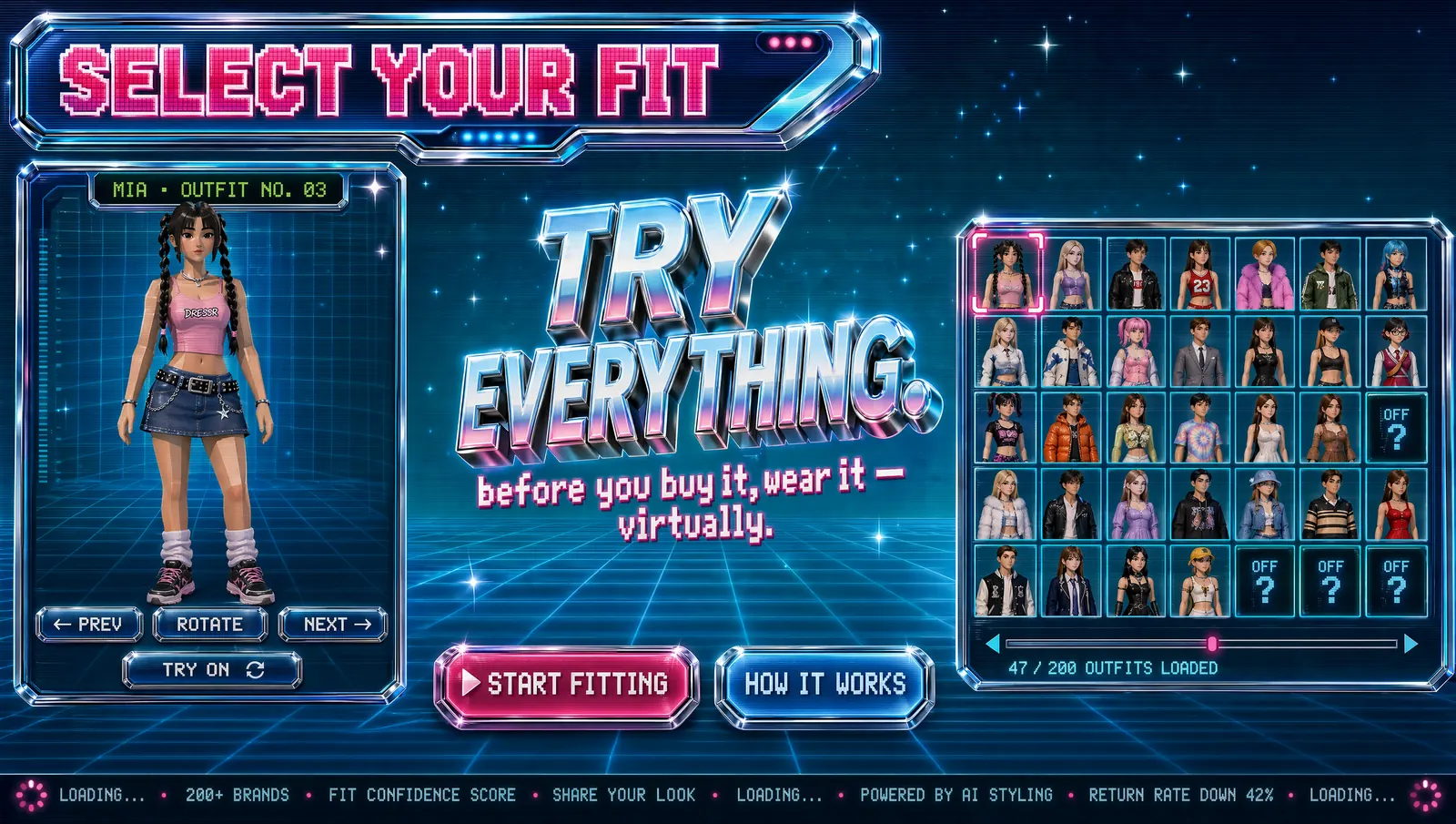
  • Neon retro game-style interface for a virtual fitting room, with an avatar, an outfit grid and a “Try everything” headline
  • Clip, 0:10
  • Close-up of a woman with tousled dark hair wearing a sculptural gold earring and a black turtleneck

Every image and clip on this wall is supplied by Genlixs for this preview. Their rights and generation records are still being confirmed.

Prompt to result

See the input, the output and the exact settings.

Nothing hidden between the words you write and the file you download.

Input

“A witch-themed drive-thru at night under a neon cauldron sign, a server in a navy uniform hands a green drink to a driver, wet car roof, cinematic wide frame”
Tool
Image
Model
Standard image
Ratio
16:9
Quality
High

Output · Neon drive-thru at night

A witch-themed drive-thru at night under a neon cauldron sign; a server in a navy uniform hands a green drink to a driver

Use cases

Made for the formats you publish.

  • Social posts and stories

    Vertical and square frames sized for feeds and stories, with a short clip when a still is not enough.

    • 9:16
    • 1:1
    • Short video
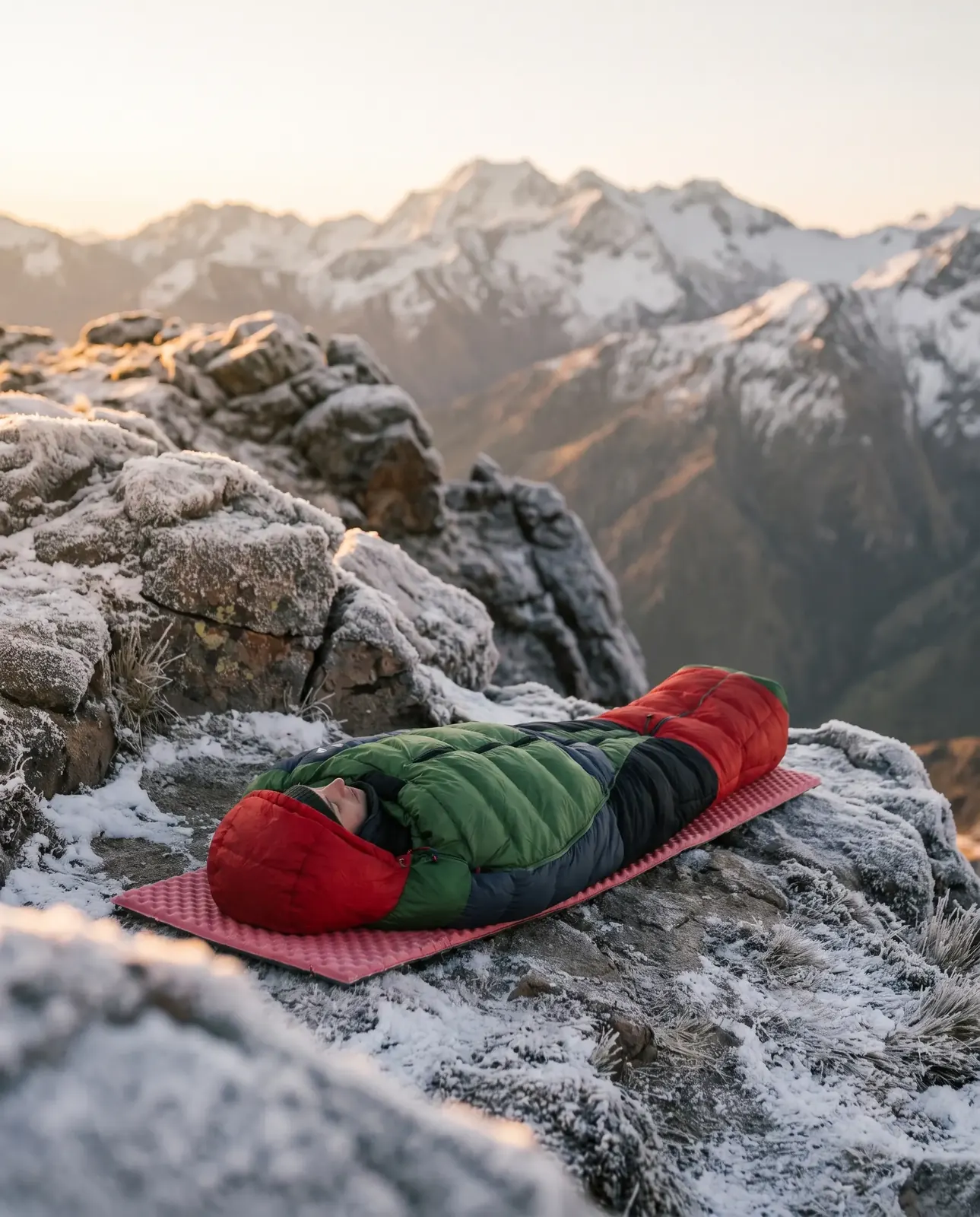
  • A red and green down sleeping bag on a foam mat at a snowy mountain summit at sunrise

    Product imagery

    Product scenes for listings and launches, in the studio or out in the world. Use edit to change a background on your own photo.

    • 4:5
    • 1:1
    • High detail
  • Studio portrait of a pale character with four green eyes, red horns and a glossy black collar on deep blue

    Characters and concepts

    Explore characters, moods and compositions quickly before committing to a direction.

    • 2:3
    • 16:9
    • Variations

Edit and motion

Change what you have. Set it in motion.

Edits keep your original as its own version. Clips play silently; click one to turn the sound on.

Edited: Layered sand dunes under a violet-to-orange dusk sky with a low, pale sun
Original: The same dune landscape at midday, with pale sand and a clear blue sky
OriginalEditedPlaceholder
Instruction: “Change the scene to a warm dusk with a low sun; keep the dune shapes” · Edit image · Reference edit
“A wolf pup in silver armour holds a long sword in a foggy meadow, the camera pulls back to reveal an armoured knight standing behind it, cinematic, slow pace” · Video · Short video · 16:9 · 10s · sound off until you click

How it works

Four steps, and you approve the cost first.

  1. Step 1: Choose

    Pick image, edit or video, then a model that fits the job.

  2. Step 2: Describe

    Write what you want. Add a reference when you are editing.

  3. Step 3: Review

    Check the settings and the exact credit cost before anything runs.
  4. Step 4: Generate and download

    Results save to your library with their prompt and settings.

Your next post starts with one sentence.

Write it, check the exact cost, and keep the original file with its prompt and settings.

Creative suite

Three tools. Models described by what they are good at.

Catalog preview: model names, limits and availability come from the verified catalog at launch.

A witch-themed drive-thru at night under a neon cauldron sign; a server in a navy uniform hands a green drink to a driver

Image

Turn a written idea into a still image.

  • Standard image

    Available

    Fast drafts and social posts. Good first choice for exploring an idea.

    1:1 / 3:2 / 2:3 / 16:9 / 9:16

  • High-detail image

    Available

    Product shots and close-ups where texture and edges matter.

    1:1 / 3:2 / 2:3 / 4:5

Open image studio
Original: The same dune landscape at midday, with pale sand and a clear blue sky
Edited: Layered sand dunes under a violet-to-orange dusk sky with a low, pale sun
OriginalEditedPlaceholder

Edit image

Change a reference image with a written instruction.

  • Reference edit

    Available

    Keeps the composition of your reference while applying the change you describe.

    Original

Open edit studio

Video

Generate a short clip from a written scene.

  • Short video

    Available

    Five or ten second clips for social posts and previews.

    16:9 / 9:16 / 1:1 · 5s / 10s · 720p / 1080p

  • Cinematic video

    Experimental

    Slower camera movement and optional ambient audio for longer reads.

    16:9 / 9:16 · 5s / 10s · 1080p · optional audio

  • Extended video

    Maintenance

    Longer clips for storytelling.

    16:9 · 10s · 1080p

Open video studio

Pricing

Pay with credits. See the cost first.

  1. 1

    Quote. The studio shows the exact credit cost for your settings.

  2. 2

    Reserve. When you press Generate, those credits are reserved — not spent yet.

  3. 3

    Settle. Saved result: credits are charged. Failed job: reserved credits come back.

Credit packs

Loading prices…

Partner program

Share Genlixs with your audience. Earn on eligible paid referrals.

For creators and educators who already make things with AI. Commission rates, holding periods and payout thresholds are set in the published program agreement — you see them before you apply.

  • One link to share

    Copy your main link or create a campaign link for each platform.

  • Clear eligibility

    Each referral shows when it became eligible and why.

  • Separate balances

    Pending, available, reserved and paid are never mixed into one number.

  • Payout readiness

    See exactly which condition is still open before you can request a payout.

FAQ

Questions before you create

More answers in the help centre.

How much does a generation cost?
Each job has a credit cost that depends on the tool, model and settings such as quality, length or resolution. The studio shows the exact cost next to the Generate button, and changing a cost-related setting refreshes it.
What if a job takes longer than usual?
Jobs keep running if you leave the page and stay in your library. If a job is slower than usual we say so and show what you can do. We never ask you to resubmit while we are still checking whether a request was accepted.
What happens to my credits if a job fails?
Credits are reserved when you press Generate and only charged when the result is saved. If the job fails or is cancelled before submission, the reserved credits are returned to your available balance and the job shows that they were returned.
Who can see what I create?
Your uploads and results are private to your account by default. A public link is only created after you confirm it in the share dialog, and you can revoke it at any time.
Can I use the results commercially?
Usage rights depend on the Terms of Service and the terms of the model used for each job. Read the Terms before publishing work commercially; this preview does not grant any rights.

Start with a sentence.

Image, edit or short video — your draft waits for you in the studio, with the cost shown before anything runs.